
Event details in separate messages
Create a digital invitation with a card and guest page for the occasion.
PicSpot
Loading
We use cookies and similar technologies, including Google Analytics, to understand how PicSpot is used. Essential functionality works either way — see our Privacy Policy for details.
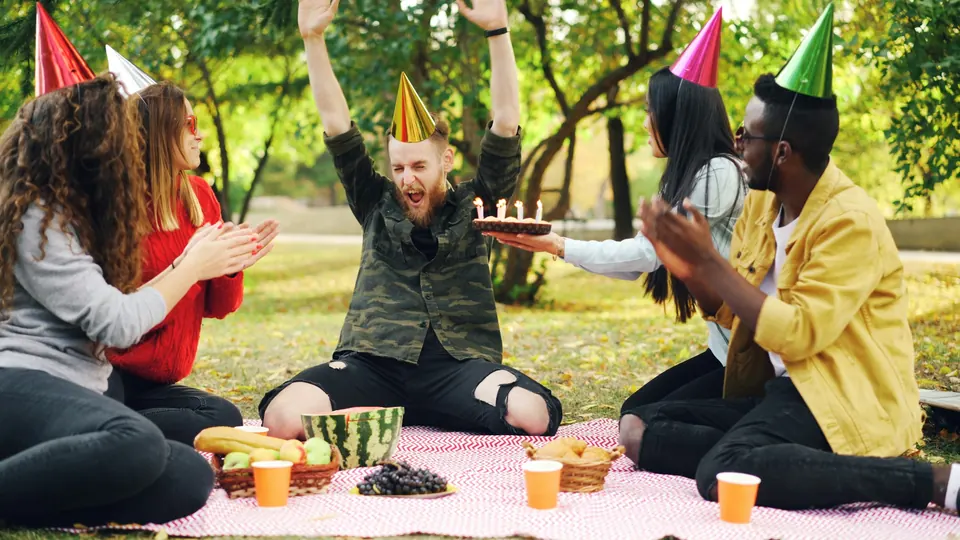
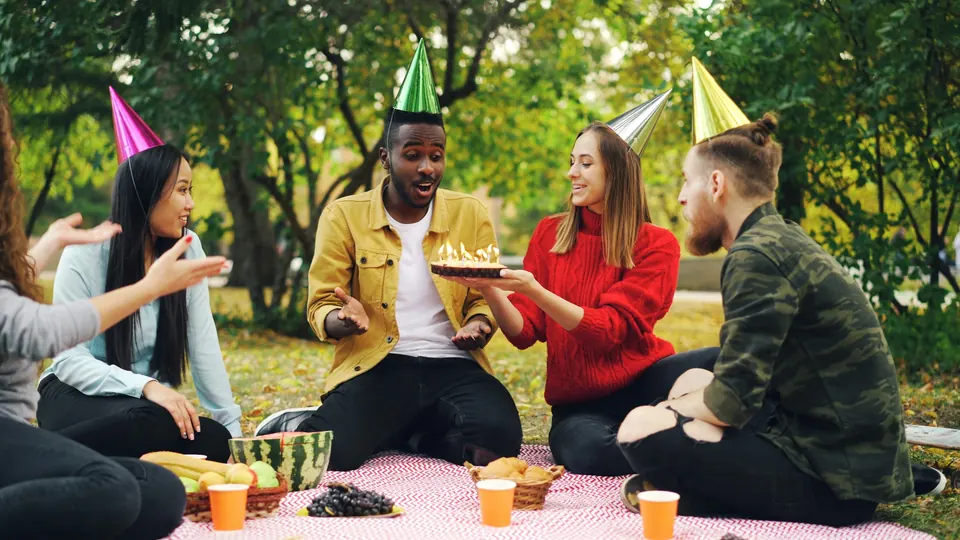
For parties & celebrations
Birthdays, anniversaries and reunions deserve more than a scattered set of chat attachments. Give hosts and guests a gallery they can enjoy, personalise and come back to.
Before, during and after
01 / Digital invitations
Create a digital invitation with event details and a guest page. After the celebration, share the gallery through the event’s link or QR workflow.
The differenceHosts can begin with a personal invitation.
Explore Digital invitations02 / Highlight reels
Guests can find their photos with a selfie, edit a favourite in Spotlight or create a highlight reel when those tools are enabled for the event.
The differenceThe event’s creative tools are available in one experience.
Explore Highlight reels03 / Event slideshow
Display the event’s loaded photographs in a slideshow on a venue screen. An on-screen QR gives guests a route to the gallery.
The differenceGuests can keep enjoying the collection after the party.
Explore Event slideshowAfter the last goodbye
Explore the sample collection or choose an album.
What changes for your people
Keep the event collection, gallery settings and guest tools in one workspace.
Why PicSpot for parties & celebrations?
Create a digital invitation with a card and guest page for the occasion.
Share the gallery and a selfie-search route to the photos each guest appears in.
Let guests edit favourites and create highlight reels where enabled.
Yes, where those tools are enabled for the event and available under the relevant plan. Guests can explore Spotlight editing and the highlight reel workflow. Review the event’s permissions before sharing.
No. Guests open the event link or QR in their browser. They follow the access requirements configured for the event and can use the shared selfie-search destination to find matching photographs.
Review the event’s gallery permissions before sharing. Available options include access requirements and download settings. Enable guest tools only where they suit the event and are available under your plan.
Choose a plan around the storage and validity your event needs. Review feature availability and account limits on the Pricing page. For a larger or unusual workflow, talk to our team before making a commitment.
Your next event starts here
Try the tools for your event, or talk to our team about your delivery needs.