
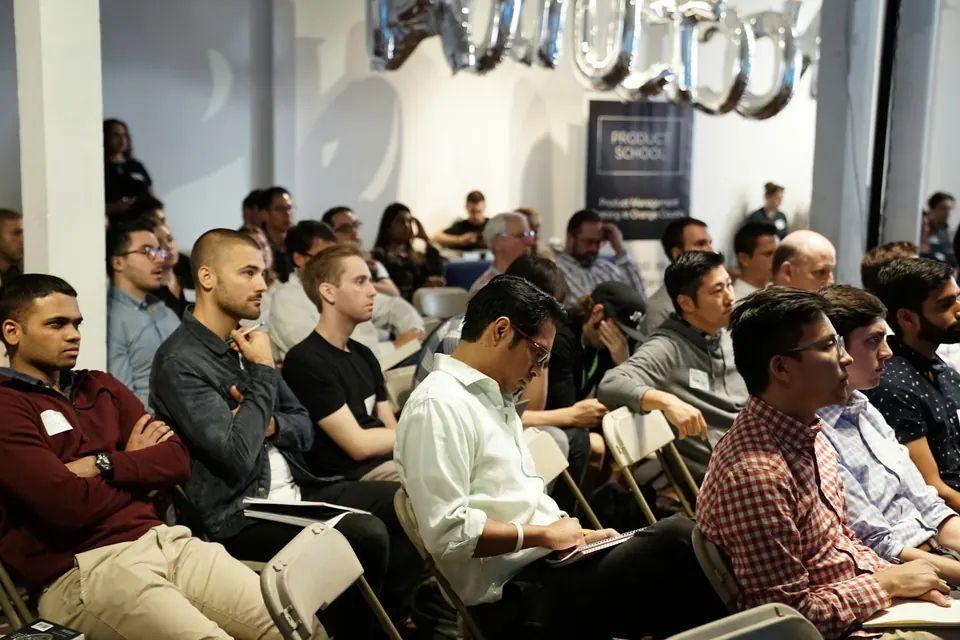
Keynotes mixed with networking
Create event albums around the agenda so each photo set has a clear home.
PicSpot
Loading
We use cookies and similar technologies, including Google Analytics, to understand how PicSpot is used. Essential functionality works either way — see our Privacy Policy for details.
For corporate & tech events
Give conferences, launches and company offsites a photo experience that reflects the organisation behind them. Organise each session and help attendees find the moments they were part of.
Your delivery programme
01 / Events & albums
Organise the event by day, session or programme. Give the photography team a shared structure and make the delivered gallery easier to navigate.
The differenceThe agenda becomes a browsable photo collection.
Explore Events & albums

Explore the sample collection or choose an album.
Plan your delivery
Create the event and plan albums around the programme.
See the full PicSpot journeyA professional experience for everyone
Choose an audience to see how the event’s photo workflow supports them.
What changes for your people
Build a collection that follows the event agenda, instead of handing over one undifferentiated folder.
Why PicSpot for corporate & tech events?
Create event albums around the agenda so each photo set has a clear home.
Review access, downloads and branding with the organiser before sharing.
Use an event link, QR or Embed Widget to connect attendees to the collection.
Yes. Use event albums to organise photos by session, day or another structure that suits the programme. Confirm the gallery destination and permissions before sharing it with attendees.
No. Guests open the event link or QR in their browser. They follow the access requirements configured for the event and can use the shared selfie-search destination to find matching photographs.
Review the event’s gallery permissions before sharing. Available options include access requirements and download settings. Enable guest tools only where they suit the event and are available under your plan.
Choose a plan around the storage and validity your event needs. Review feature availability and account limits on the Pricing page. For a larger or unusual workflow, talk to our team before making a commitment.
Your next event starts here
Try the tools for your event, or talk to our team about your delivery needs.